
Windows Cursor Changer

Custom Cursor for Windows - Free Mouse Pointer Changer

Download a modern custom cursor for Windows and switch your mouse pointer in seconds. Explore animated, cute, and minimal cursor packs. Safe installer. Works on Windows 7–11.

  • Windows 7/8/10/11
  • Animated & Static
  • Free & Lightweight
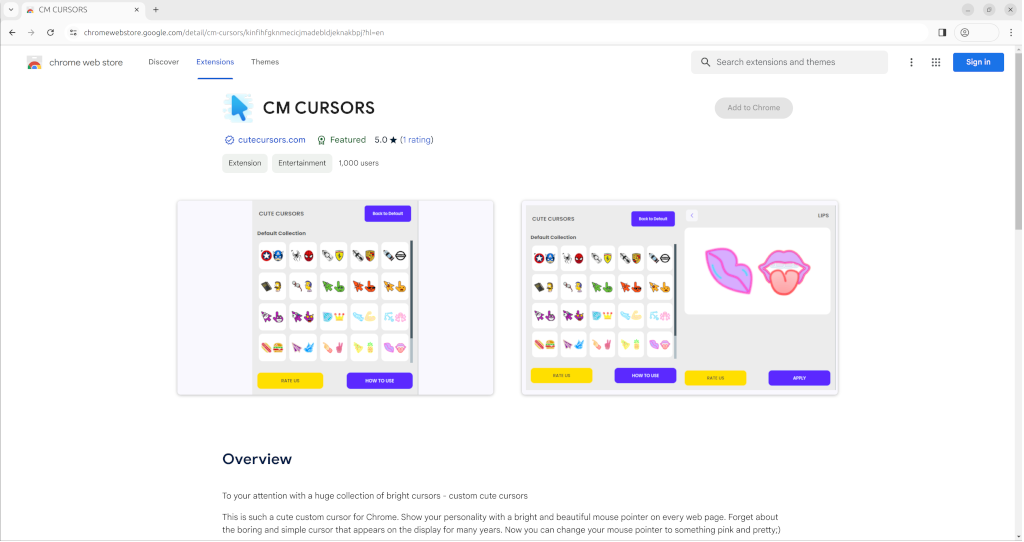
Windows custom cursor gallery previewApplying a cursor pack on Windows

Screenshots: preview & apply custom cursor packs

Personalize Windows with a Custom Mouse Cursor

A custom cursor for Windows can improve visibility, reduce eye strain, and make everyday tasks more enjoyable. Our lightweight app lets you preview and apply animated or minimal cursor themes instantly-ideal for gaming, work, or study.

Unlike manual control panel tweaks, our installer streamlines the process: open the app, browse a curated gallery, and click Apply. You can switch styles any time and restore the default pointer with one click.

We include carefully crafted pointer sets optimized for high-DPI displays and dark/light themes. Whether you prefer bold neon, subtle monochrome, or cute character cursors-there’s a pack that fits.


Key Features

Everything you need to style your mouse pointer on Windows-without hassle.

Large Library

Hundreds of animated and static cursor packs.

Instant Apply

Preview and set in a single click-no reboot.

Creator-Friendly

Import your own images to build custom sets.

Safe & Lightweight

Small installer and low memory footprint.

How to Install & Apply a Cursor Pack

  1. Download: grab the ZIP and extract it.
  2. Install: run the setup wizard and finish.
  3. Choose: open the app and select a cursor theme.
  4. Apply: click Apply to set your new pointer instantly.

To revert, choose System Cursor in the app or use Windows Mouse settings.

Tips for Best Results

  • Pick a high-contrast cursor for dark or busy wallpapers.
  • Use animated cursors sparingly for presentations or screen recordings.
  • Keep a favorite minimal set handy for focus work sessions.

Popular Cursor Packs

Explore trending designs-neon, pastel, pixel, character, minimal, and more.

Cute pastel cat cursor pack for Windows
Cute Pastel Cat
Galaxy themed cursor pack with stars and planets
Galaxy Glow
Neon pointer cursor pack for high contrast themes
Neon Pointer

Why choose this app vs. manual Windows settings

FeatureThis AppManual Control Panel
Preview & one-click applyYesLimited / multi-step
Animated packsSupportedManual import required
Restore defaultSingle clickMultiple dialogs

Frequently Asked Questions

Is the download safe?Open

Yes. The installer is scanned and the app is lightweight with no adware.

Will animated cursors slow down my PC?Open

No. Animations are optimized; performance impact is negligible on modern systems.

Can I create my own cursor set?Open

Yes. Import compatible images to build a custom pack and apply it instantly.

Download Custom Cursor for Windows

Free installer. One-click apply and revert. Works on Windows 7, 8, 10, and 11.

Download Now
Custom Cursor for Windows – Free Mouse Pointer Changer & Cursor Packs